Markdown editor · Mac · iPad · iPhone

Plain text,
set properly.

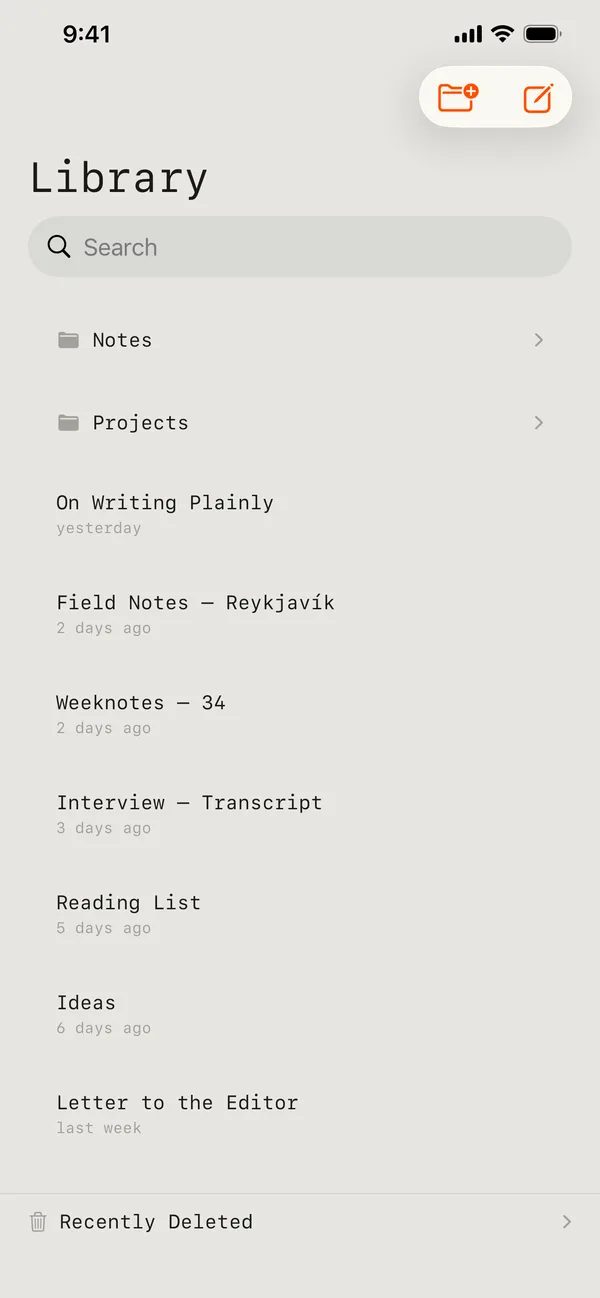
A single-column Markdown editor for Mac, iPad and iPhone. Structure appears as you type, the markers stay where you put them, and every draft stays a plain .md file you can open with anything, for as long as you keep it.

Mac, iPad and iPhone. Currently a TestFlight beta.

What it does

A writing surface, and the file underneath it.

Eight things Indenta does. Everything here is in the app today — there is no list of features arriving later.

01 Markdown

Structure as you type

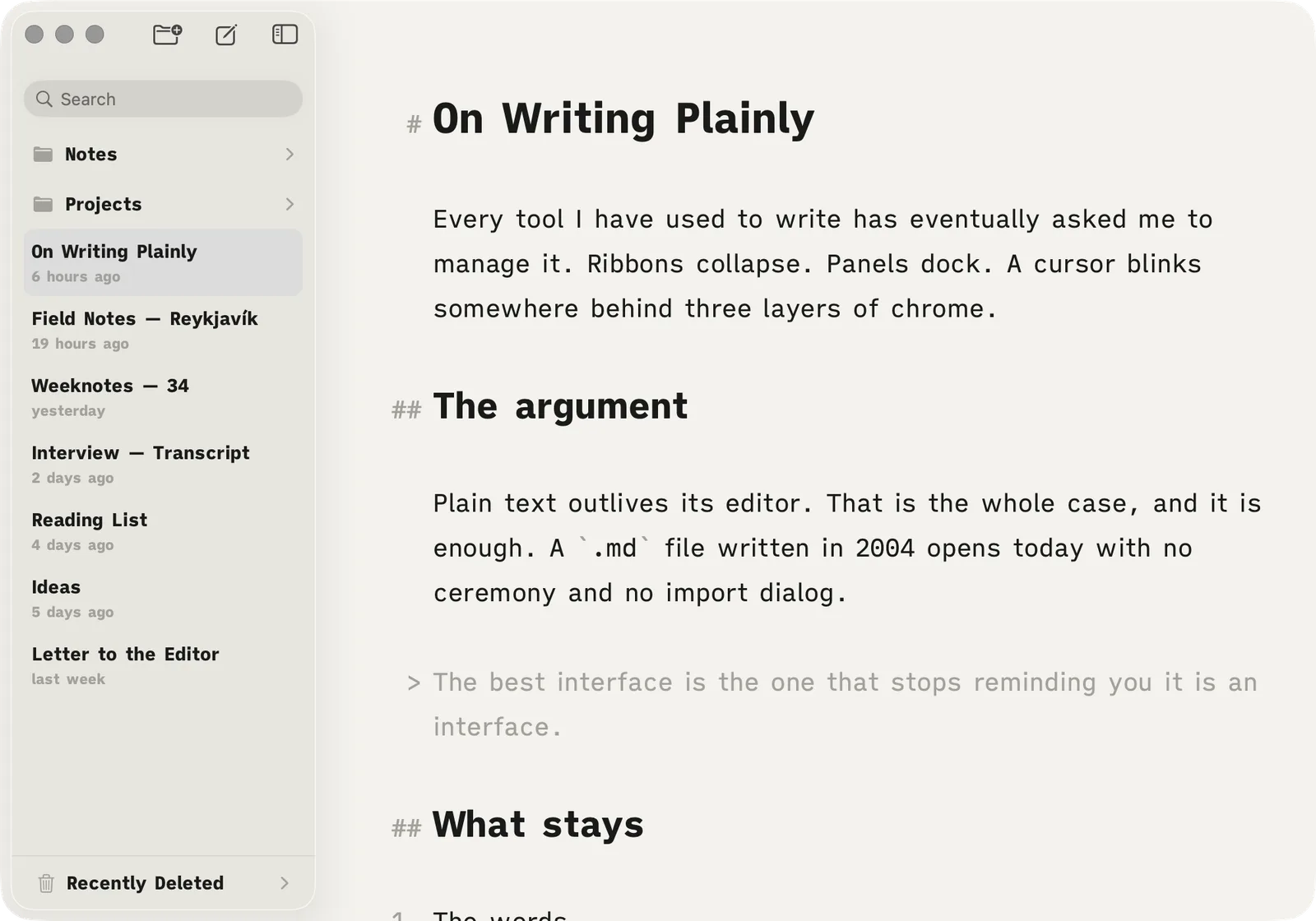
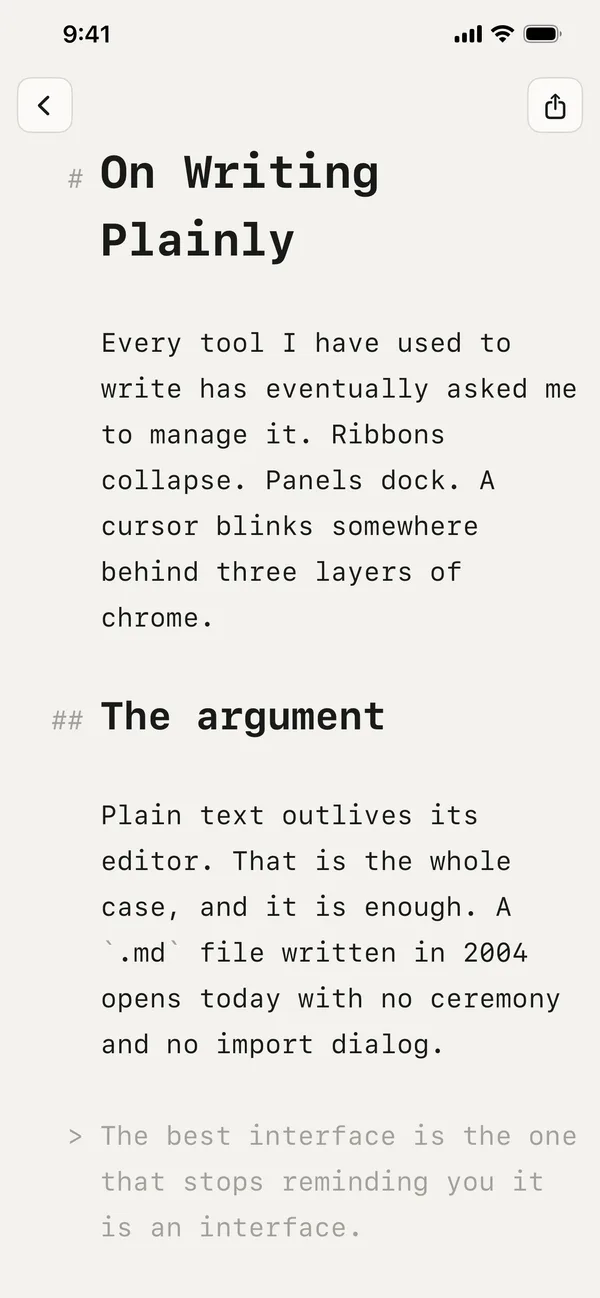
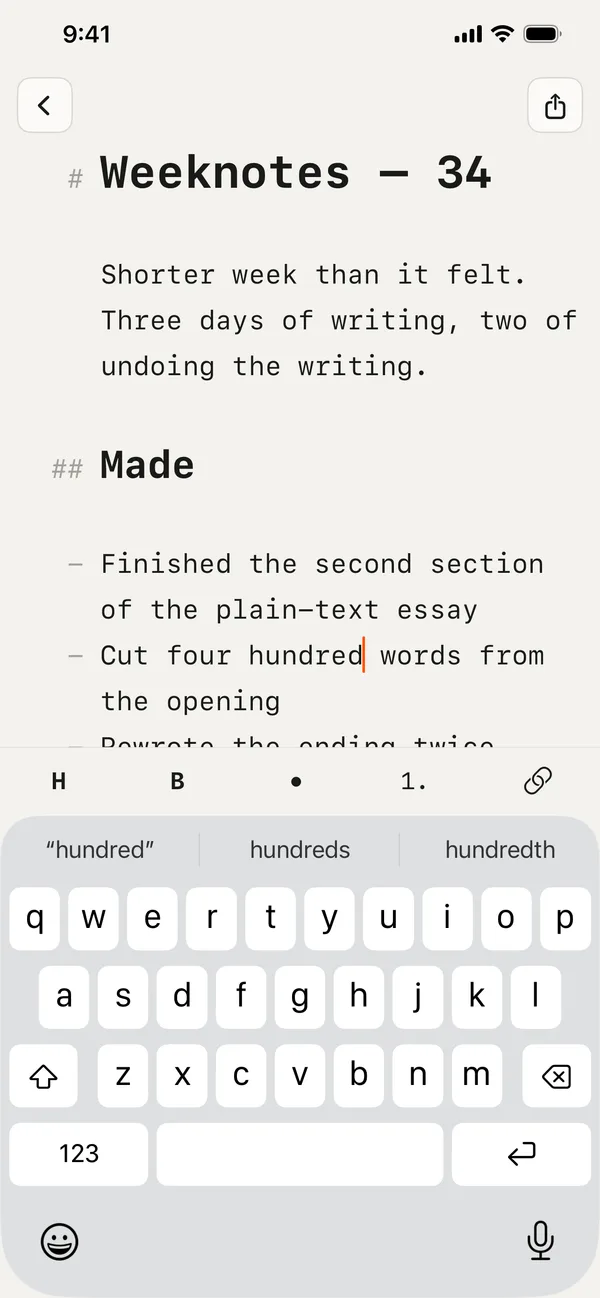
Headings, bold, italic, strikethrough, code, quotes, lists and links take their shape the moment you type them. The markers stay on screen, dimmed — nothing is hidden and nothing is rewritten behind your back. What you see is what is in the file.

02 Alignment

One left edge

Block markers hang out in the margin instead of shoving your words sideways. A third-level heading starts where a first-level heading starts, and a wrapped list item lines up under its own text rather than under its bullet.

03 Library

Plain files in a plain folder

Every draft is a .md file, most recently edited first. Make one, rename it, throw it away. Nothing is imported, nothing is converted, and nothing is shut inside a database you cannot open without us.

04 Folders

Folders that are only folders

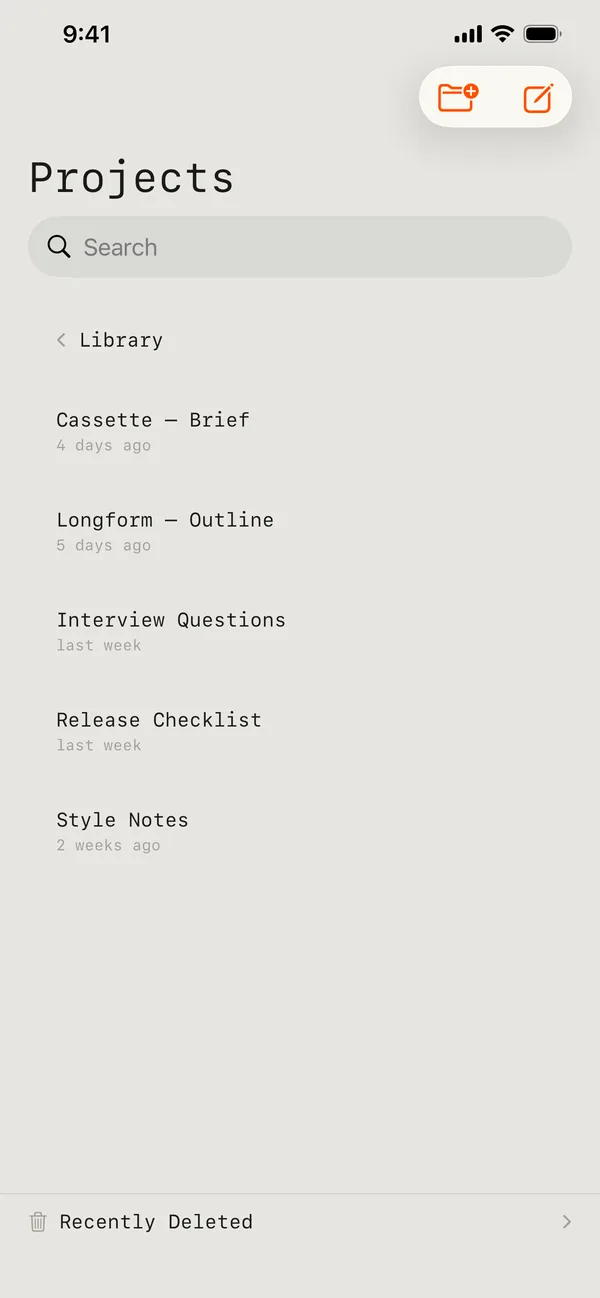
Group drafts into real subdirectories, nested as deep as you like. They are ordinary folders — you will find them in Finder and in Files exactly where you left them. Search still reaches across all of them.

05 Search

Find the line, not just the file

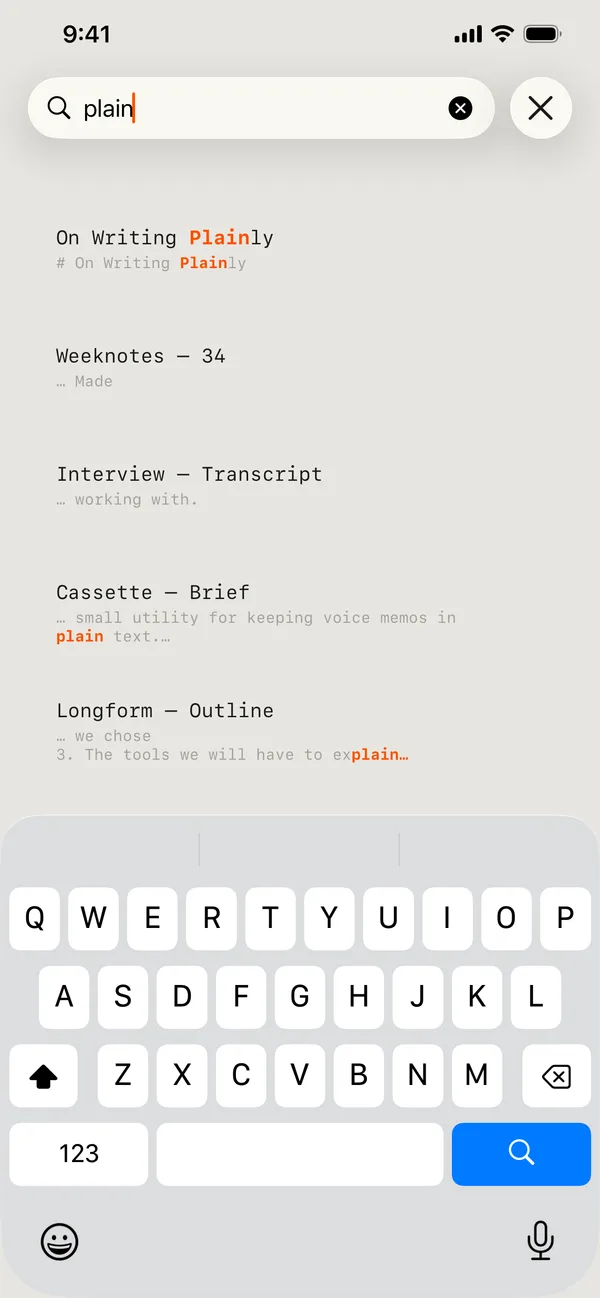
Search titles and every word inside every document. Results show the match highlighted with the line around it, so you know which draft you are looking at before you open it.

06 iCloud

The same drafts on every device

Documents sync through your own iCloud Drive and turn up in the Files app beside everything else. There is no account to make with us. With no iCloud signed in, Indenta quietly keeps everything on the device instead.

07 Print

A page that looks like a page

Print, or export a PDF, using a layout made for paper: markers gone, headings set as headings, lists set as lists. Switch between A4 and Letter and the document repaginates rather than clipping.

08 Typography

Set it the way you read

Monospace, sans, or a neo-grotesque. Four column widths on the Mac. Text size follows the system, so Dynamic Type on iPhone and iPad simply works.

The format

Your writing is a folder of .md files. That is the whole format.

On every screen

One app, three sizes.

The same library, the same editor, the same file — on the Mac, on the iPad, and in your pocket.

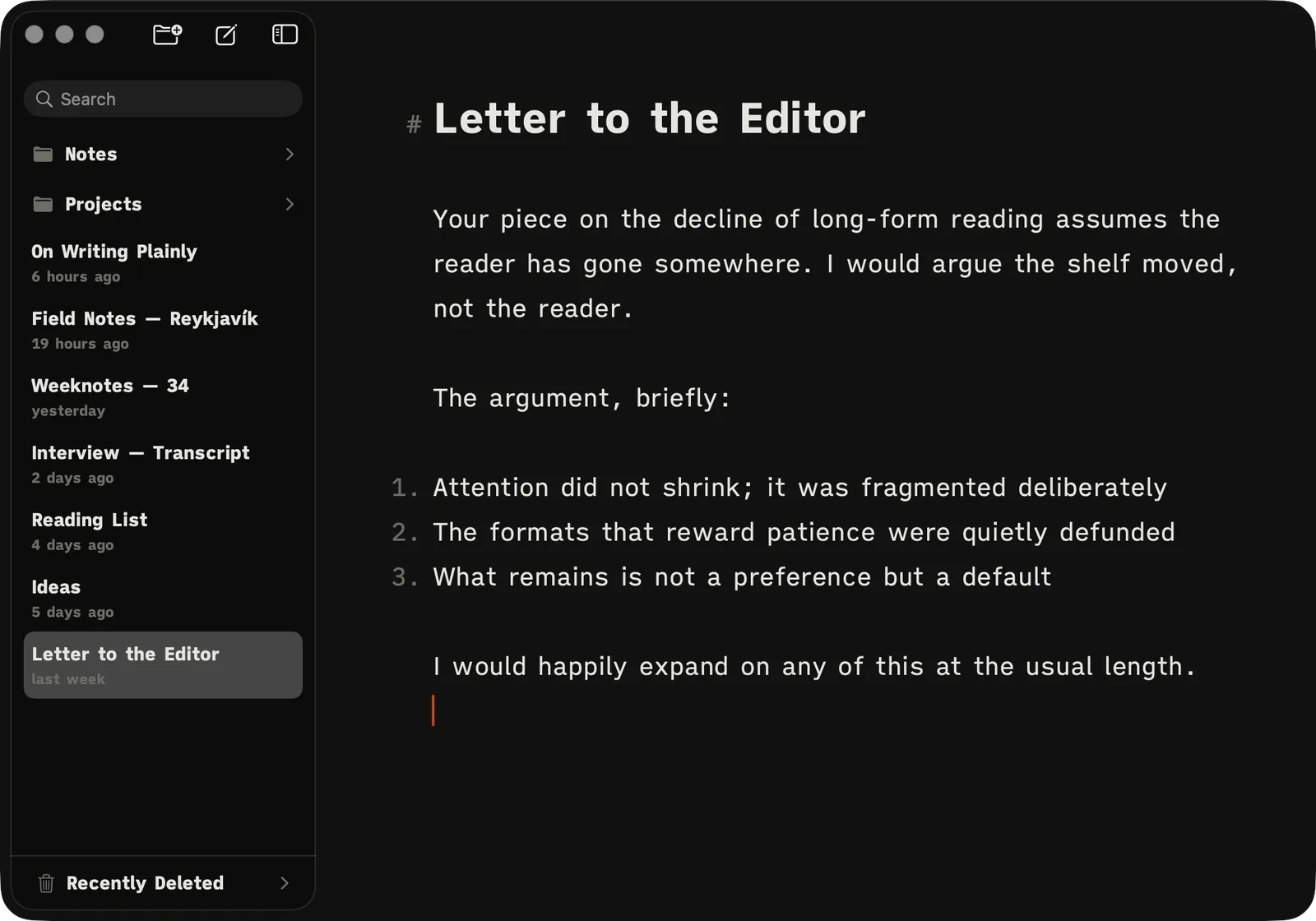
Indenta on the Mac: the library sidebar beside a document open in the editor Indenta on the Mac: the library sidebar beside a document open in the editor
Indenta on the Mac
The Indenta editor on iPhone with a document open
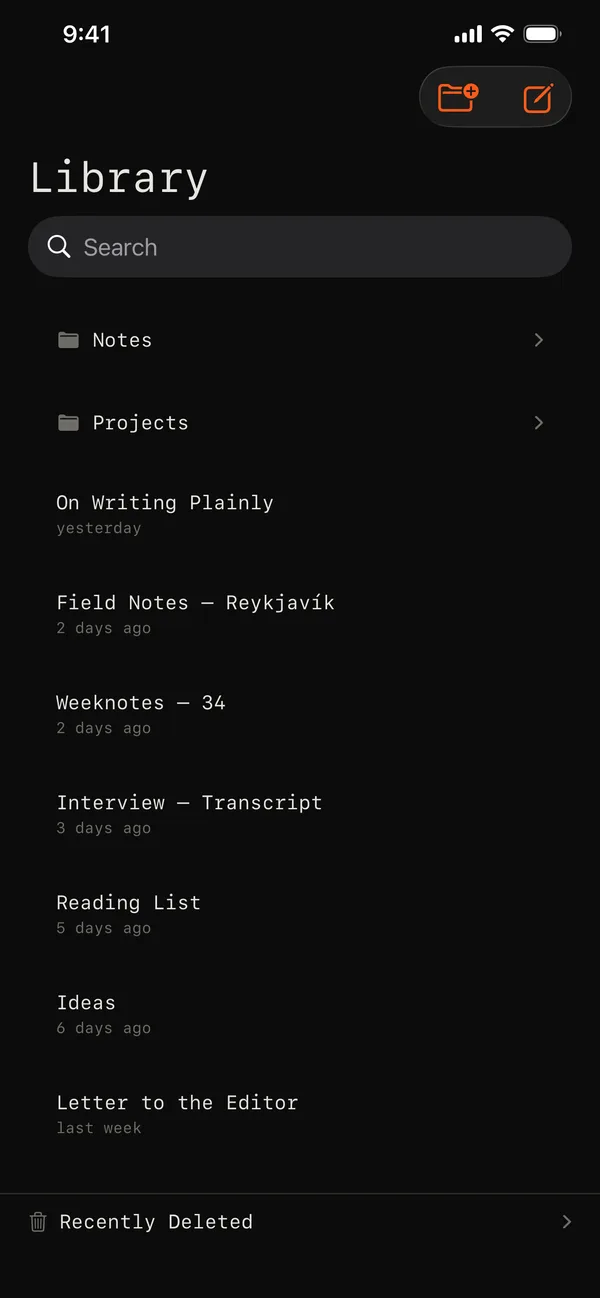
The Indenta library on iPhone, listing documents by date
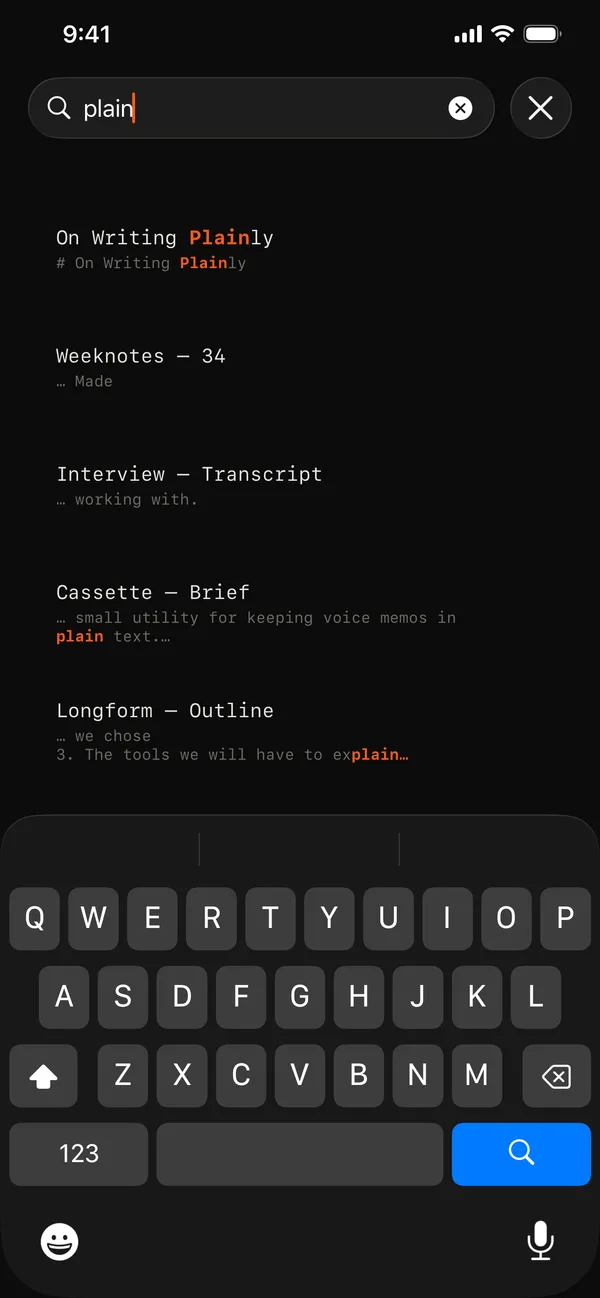
Search results on iPhone with the matched word highlighted
A document on iPhone showing dimmed Markdown markers in the margin
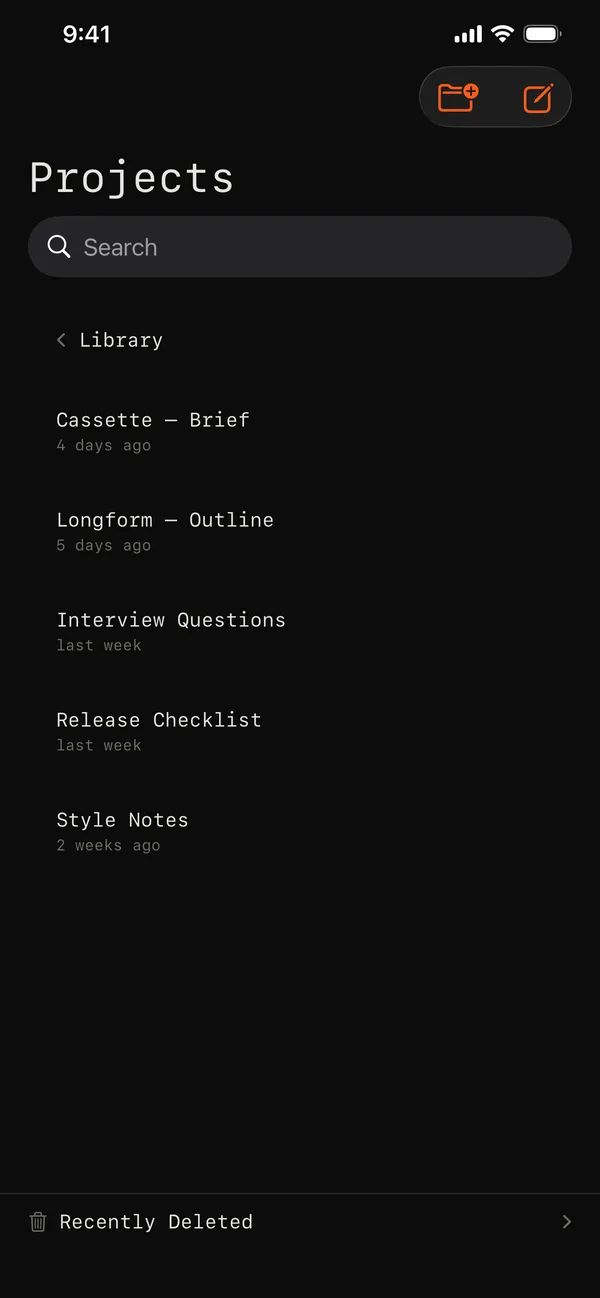
The contents of a folder on iPhone
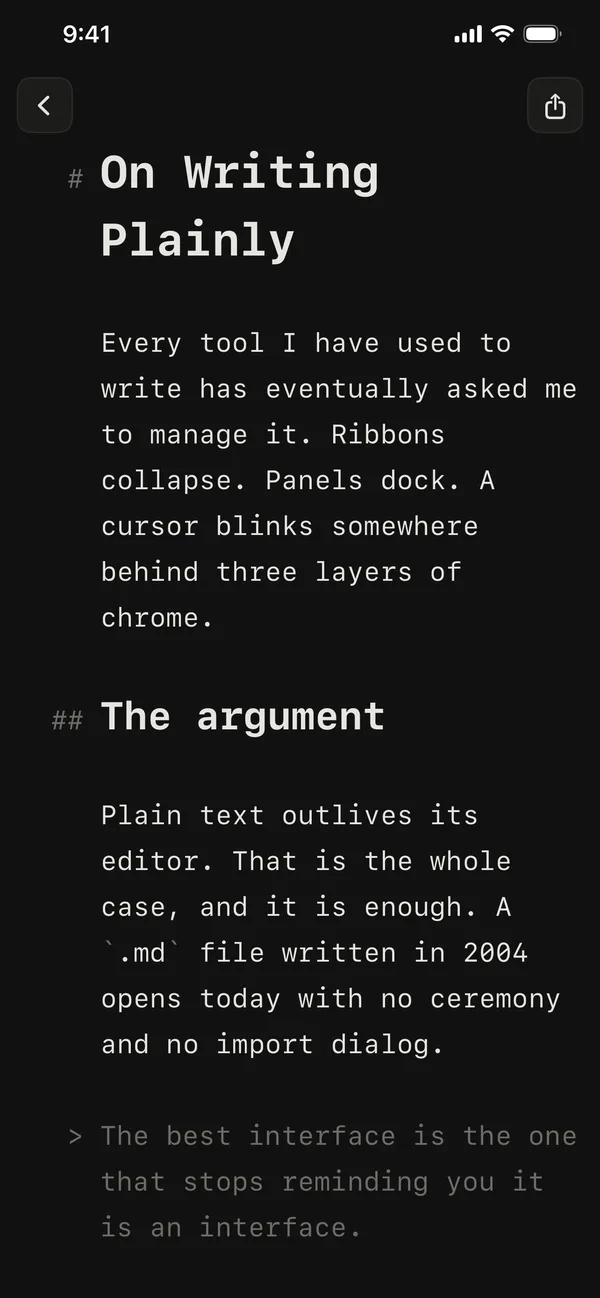
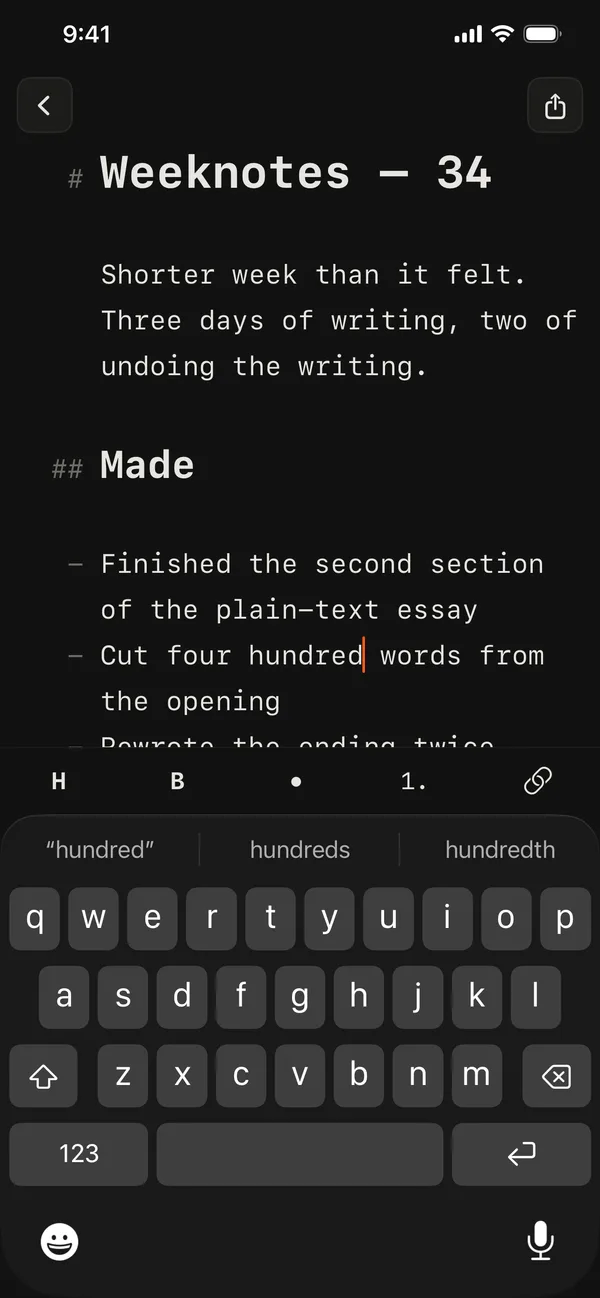
The Indenta editor on iPhone in dark mode

Write. Nothing else on screen.

Small things

Recently Deleted

Deleted drafts wait at the bottom of the library. Put one back, or remove it for good.

Live count

Characters, words and reading time, along the bottom edge of the editor.

Formatting where your hands are

On the keyboard on iPhone and iPad. Along the footer on the Mac, revealed when you reach for it.

Light and dark

Follows the system, both of them quiet. There is no third setting to pick.

Privacy

We never see a word you write.

Indenta has no account, no sign-up, and no server of ours holding your documents. Your drafts sit on your device and, if you are signed into iCloud, in your own iCloud Drive — under your Apple account, not ours. The app does send anonymous crash and performance reports so we can fix what breaks; they carry no part of your writing.

Read the privacy policy
Languages

Indenta speaks seven languages.

The app follows your device language and falls back to English.